
New VILNIUS TECH app for reading e-books

We would like to inform you that a new “Monk Windows Desktop App”, designed exclusively for the Windows operating system, has been launched on the ebooks.vilniustech.lt platform. The previously used Scholar App will no longer work on computers as of December 22.

To continue reading e-books without an internet connection, please follow these steps:

  • Remove the old Scholar App from your computer;
  • Clear your computer’s browsing history and delete the My WinOffline Books folder from Documents;
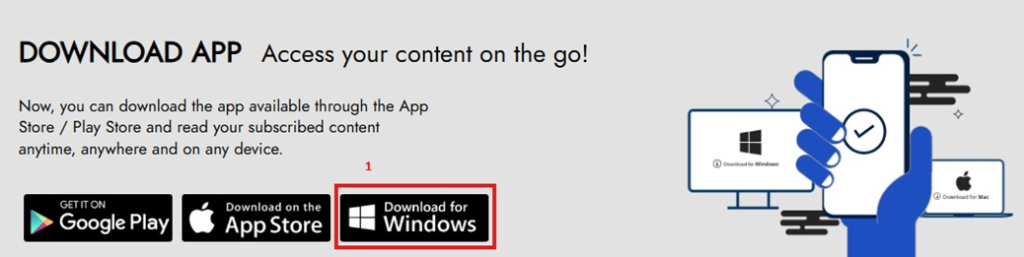
  • Install the latest version of the Monk Windows Desktop App (1), and after installation, log in to your personal account and synchronize so that e-books are available for reading offline (2).

Please note that this new feature is only available on computers running the Windows operating system.

More news

  • #

    Happy Easter!

    We wish you light, inspiration, and new discoveries in your reading, studies, and work. May this spring celebration bring energy, creativity, and the joy of togetherness to the entire library community. Wishing you a…

  • #

    BMJ Best Practice Database Trial

    We would like to inform you that from April 1 to May 31, the Vilnius College community can access the BMJ Best Practice database for a trial period. BMJ Best Practice is an evidence-based…

  • #

    From seed to harvest: the path to responsible gardening

    Spring is a time of renewal and growth, inviting us to plan for the coming harvest, assess soil conditions, and consider sustainable solutions for our gardens. Responsible preparation for this season begins with knowledge…